Grayscale Image Converter
Make any image black and white online for free. Upload a JPG, PNG, or WebP photo and download your grayscale image instantly.
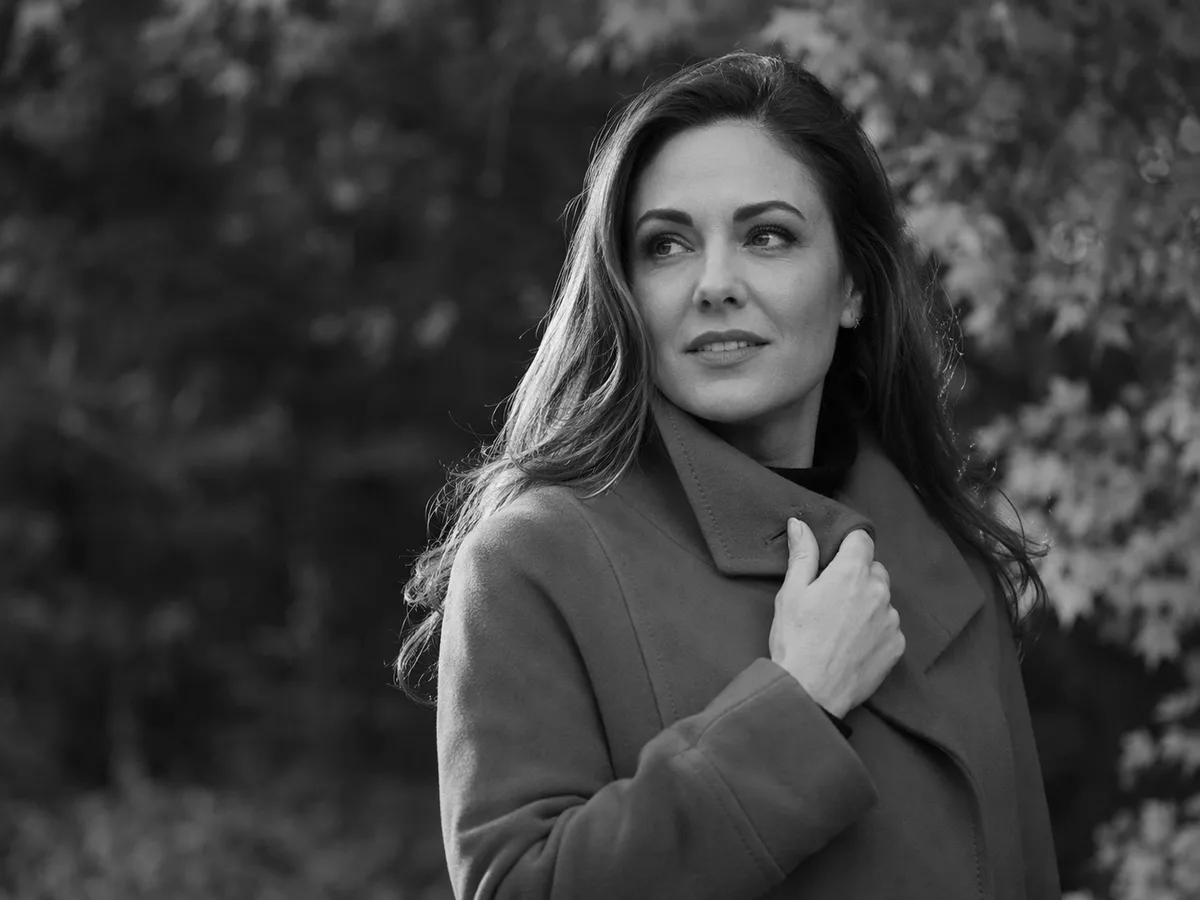
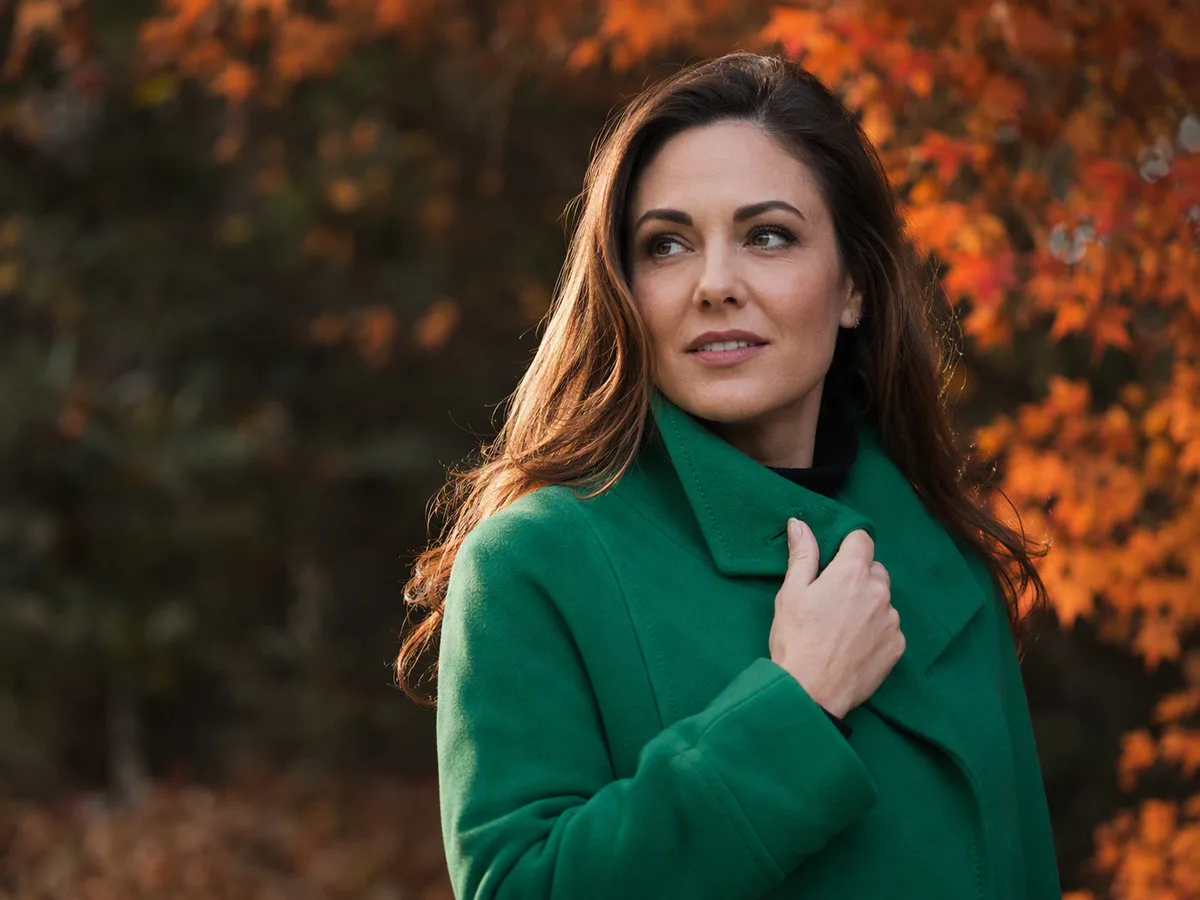
How to Make an Image Black and White
Upload, compare, and download a polished grayscale image in three quick steps.
- step 1
Upload your image
Choose a JPG, PNG, or WebP file, drag it into the tool, or paste it from your clipboard.
- step 2
Preview the grayscale result
The tool converts the image automatically so you can compare the color and grayscale versions.
- step 3
Download the result
Choose PNG, JPG, or WebP and save the converted image at its original dimensions.
- step 1
Upload your image
Choose a JPG, PNG, or WebP file, drag it into the tool, or paste it from your clipboard.
- step 2
Preview the grayscale result
The tool converts the image automatically so you can compare the color and grayscale versions.
- step 3
Download the result
Choose PNG, JPG, or WebP and save the converted image at its original dimensions.
Turn Any Photo Into a Clean Grayscale Image
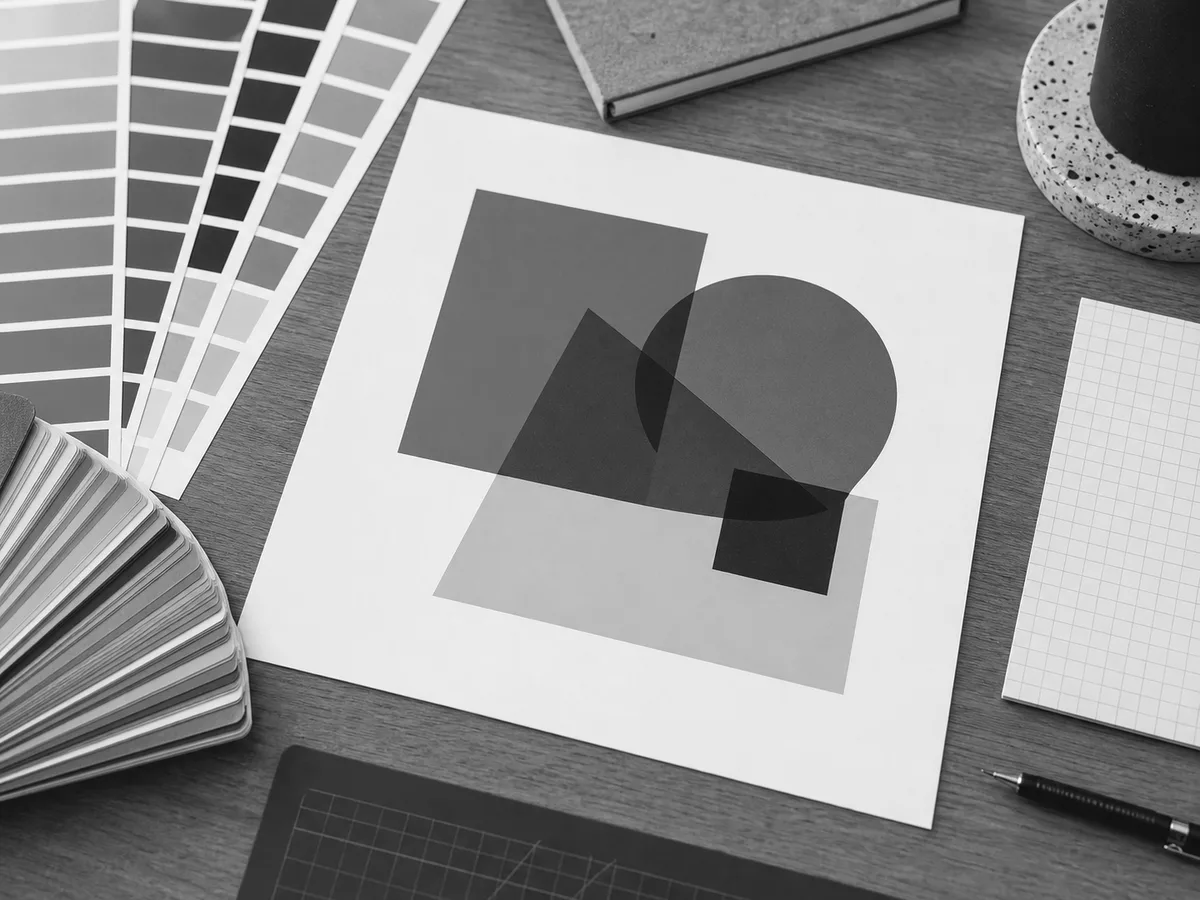
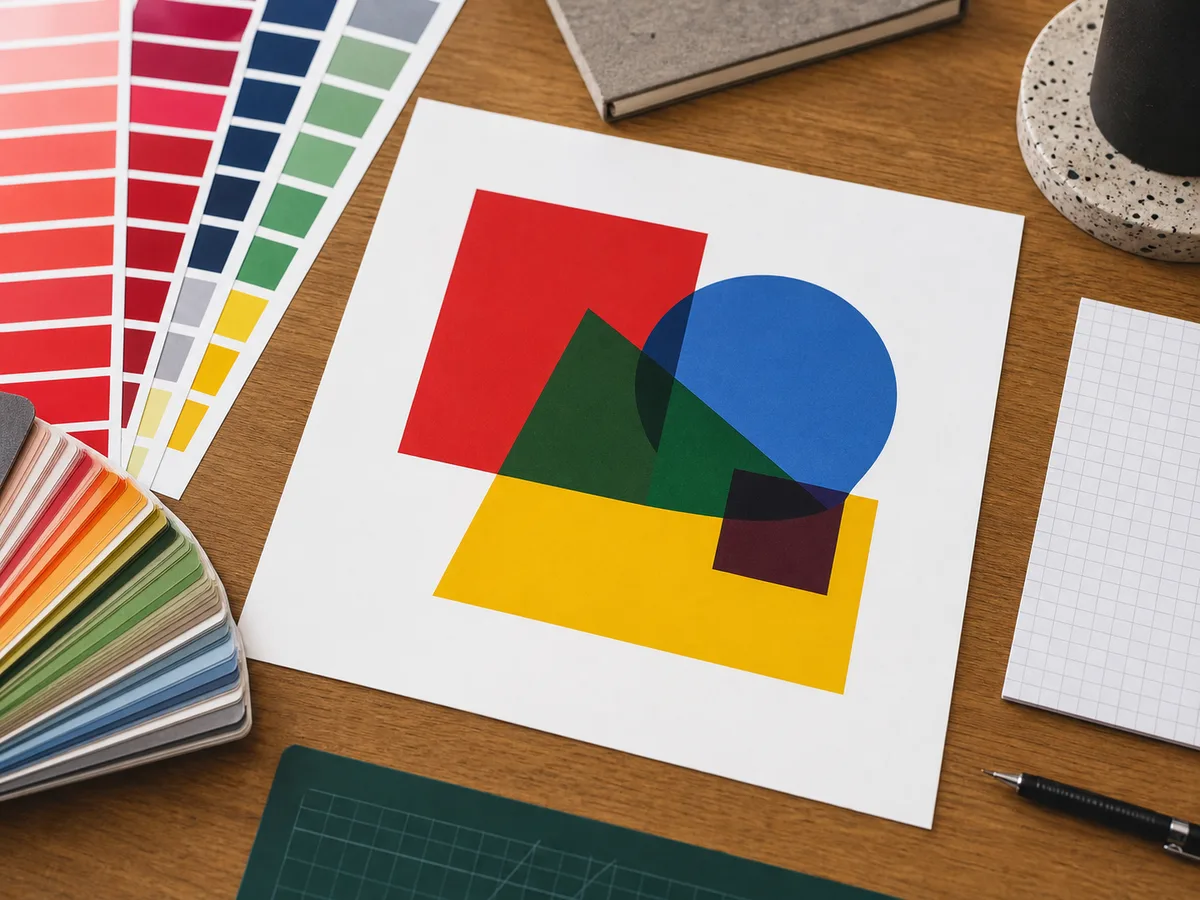
Compare the same image in color and grayscale across four common creative workflows.
Portraits and creative photography
Give portraits a timeless black-and-white look and make expressions, light, and texture stand out.
- Create a consistent monochrome style
- Reduce distracting background colors
Product photos
Create a focused product image for catalogs, marketplaces, and campaigns when color competes with shape and texture.
- Make material and silhouette stand out
- Keep a consistent catalog style
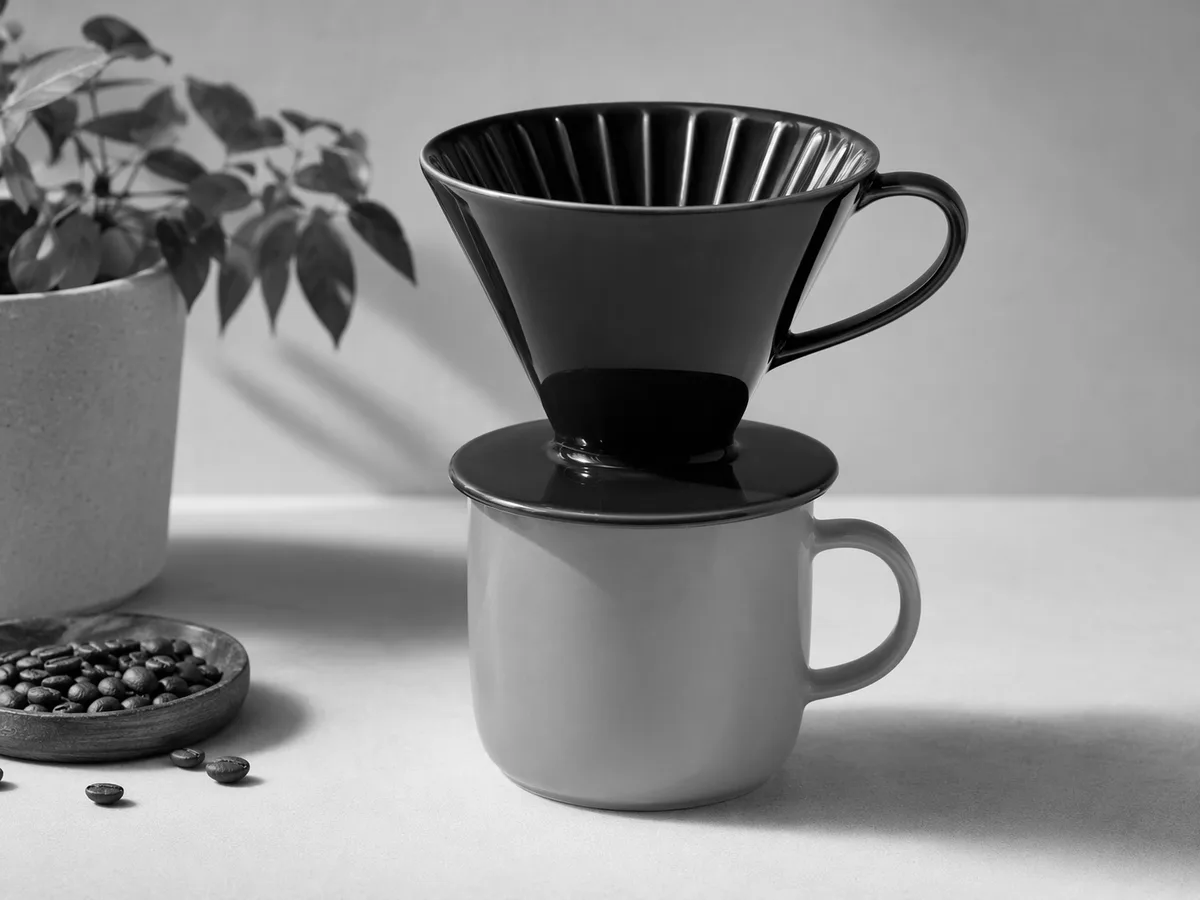

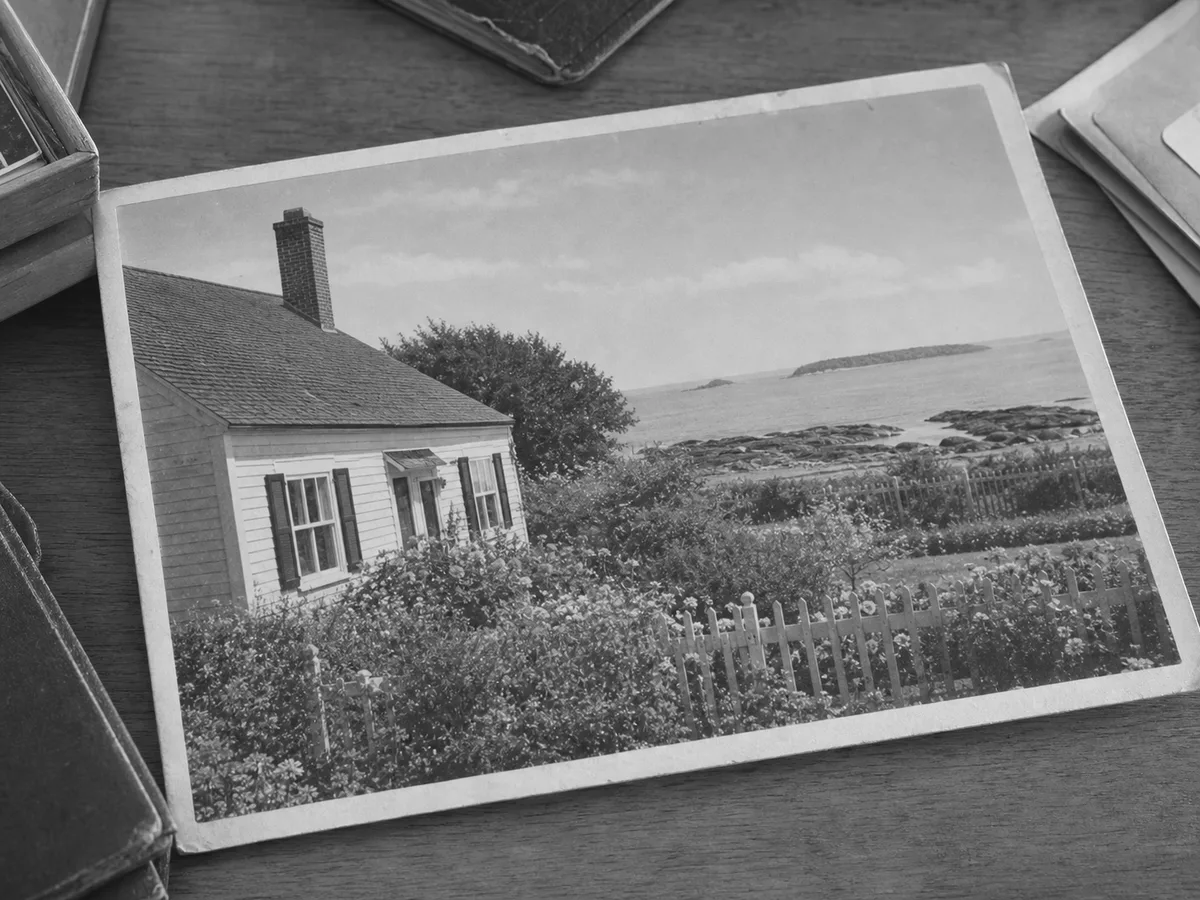
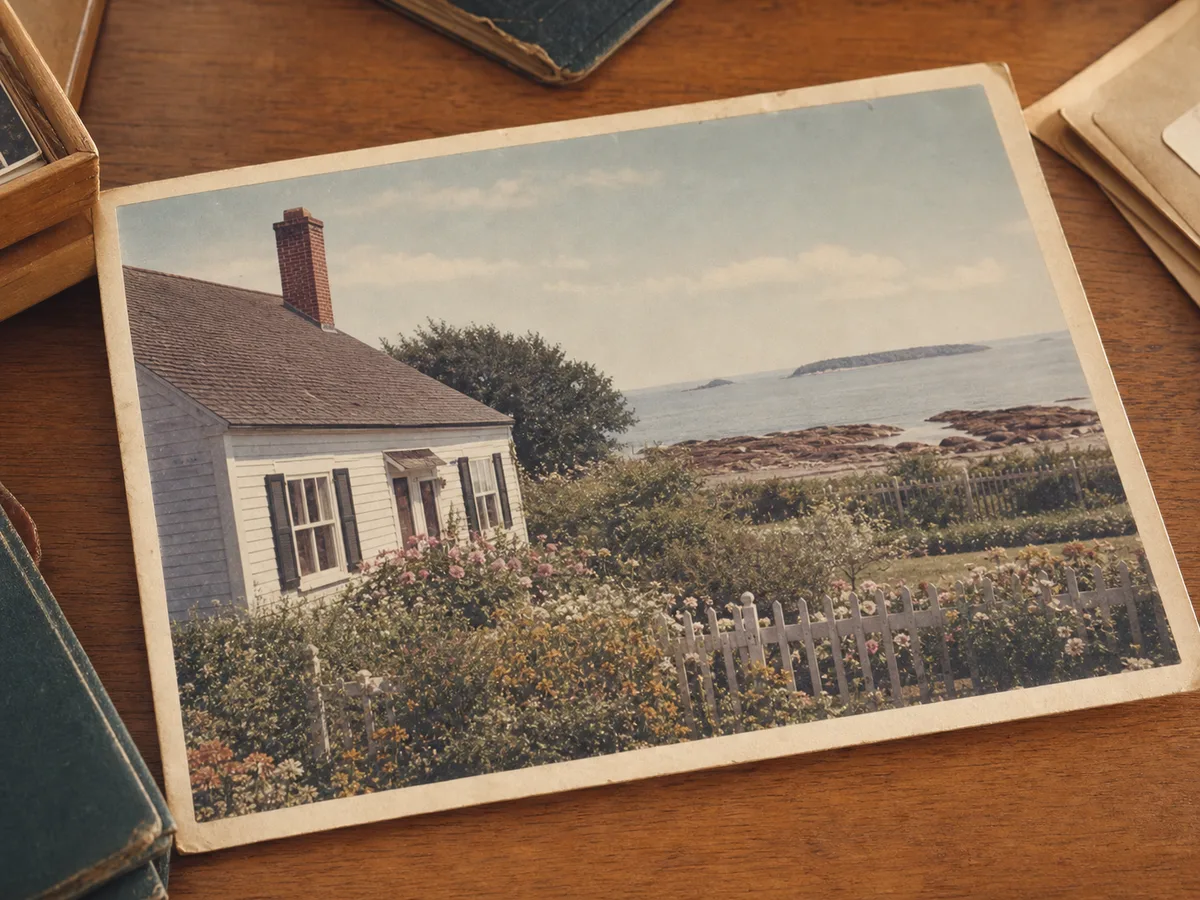
Old photos and scans
Convert scanned prints, family archives, and documents to grayscale to reduce distracting color casts and emphasize detail.
- Make faded lines easier to inspect
- Prepare files for printing or archiving
Logos and graphics
Preview a logo, illustration, or graphic in grayscale before placing it in a print layout or monochrome design system.
- Check contrast at a glance
- Export a transparent PNG when needed
Grayscale explained
What Is a Grayscale Image?
A grayscale image represents a photograph with brightness values rather than hue or saturation. Every pixel is mapped to a tone from black through a continuous range of gray to white, so the image still carries depth, texture, and readable detail. Unlike a pure black-and-white image, it does not throw away all intermediate shades.
Conversion is more than turning a color slider down. A luminance-weighted method considers how bright red, green, and blue appear to the eye, helping faces, text, product edges, and shadows keep their visual hierarchy. Compare the original with the result, choose a download format, and save the converted image. Processing happens locally in your browser, so your source image is never uploaded. See how to make an image black and white
Grayscale vs. Black and White vs. Monochrome
| Term | What it means |
|---|---|
| Grayscale | Many shades between black and white, preserving subtle brightness and texture. |
| Black and white | Often used casually to mean a grayscale photo, although it can also mean only two tones. |
| Pure B&W | A two-tone image made only from pure black and pure white, with no gray pixels. |
| Monochrome | An image built from one color family; it may be gray, sepia, blue, or another tint. |
Grayscale image converter FAQ
Quick answers about formats, quality, privacy, and black-and-white output.