Unpixelate & Depixelate Image in Seconds
Instantly restore clarity to blocky, low-resolution photos with AI-powered depixelation technology. Our advanced AI reconstructs missing details from pixelated images—no Photoshop skills required.
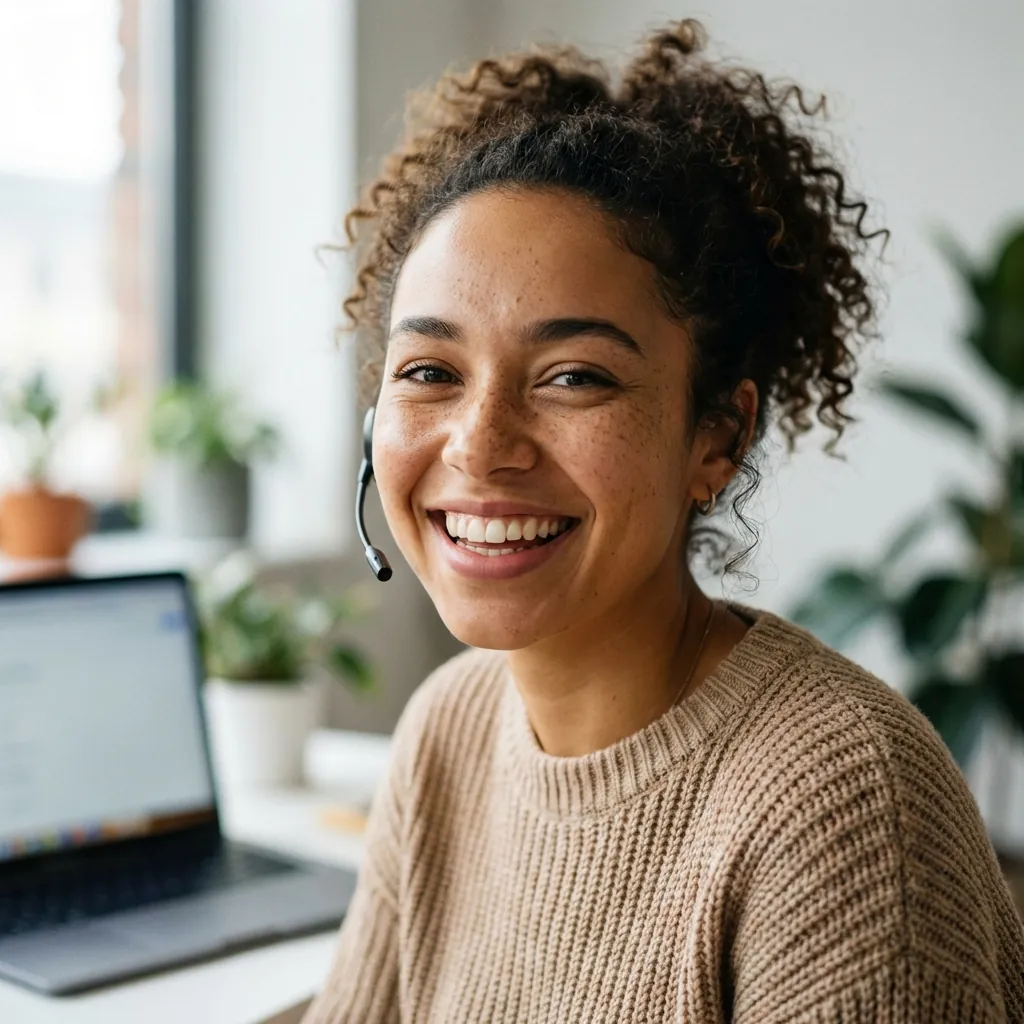
How to Depixelate Image Effortlessly
Transform your pixelated photos into sharp, clear images with our AI-powered depixelation tool. No technical skills required — just upload, process, and download.
- step 1
Upload Pixelated Image
Drag and drop or click to upload your pixelated photo. We support JPG, PNG, and WebP formats up to 10MB. Sign up for free to start using our AI depixelator.
- step 2
AI Depixelation
Our advanced AI analyzes your pixelated photo and intelligently reconstructs missing details. The AI identifies blocky patterns and smooths edges while recovering fine details.
- step 3
Download Result
Preview and compare the before/after instantly. Download your depixelated image for free, or upgrade to Pro for 4K resolution and premium AI models.
- step 1
Upload Pixelated Image
Drag and drop or click to upload your pixelated photo. We support JPG, PNG, and WebP formats up to 10MB. Sign up for free to start using our AI depixelator.
- step 2
AI Depixelation
Our advanced AI analyzes your pixelated photo and intelligently reconstructs missing details. The AI identifies blocky patterns and smooths edges while recovering fine details.
- step 3
Download Result
Preview and compare the before/after instantly. Download your depixelated image for free, or upgrade to Pro for 4K resolution and premium AI models.
Unpixelate Any Photo Type
From text screenshots to portraits, explore common scenarios where AI depixelation improves clarity the most.
Make Pixelated Text Readable
Screenshots with pixelated or mosaic text can turn important details into guesswork—receipts, documents, shipping labels, or notes. Our AI enhances edges and reconstructs characters to make text readable again.
- Recover text from low-res screenshots
- Improve readability for OCR tools
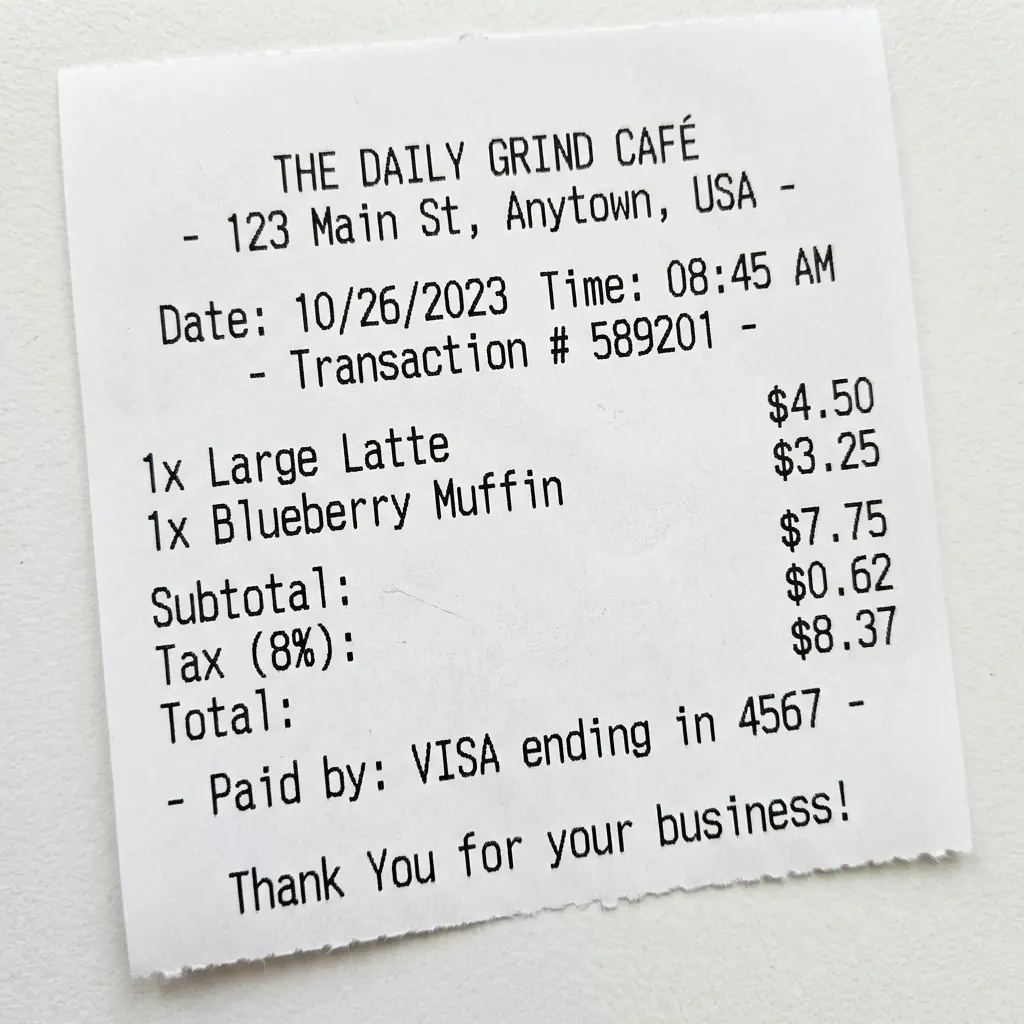
Restore Pixelated Portraits
Faces in heavily compressed or low-resolution photos often appear blocky and unclear. Our AI reconstructs facial features including eyes, hair, and skin textures while keeping results natural-looking.
- Recover facial details from compression
- Natural face reconstruction

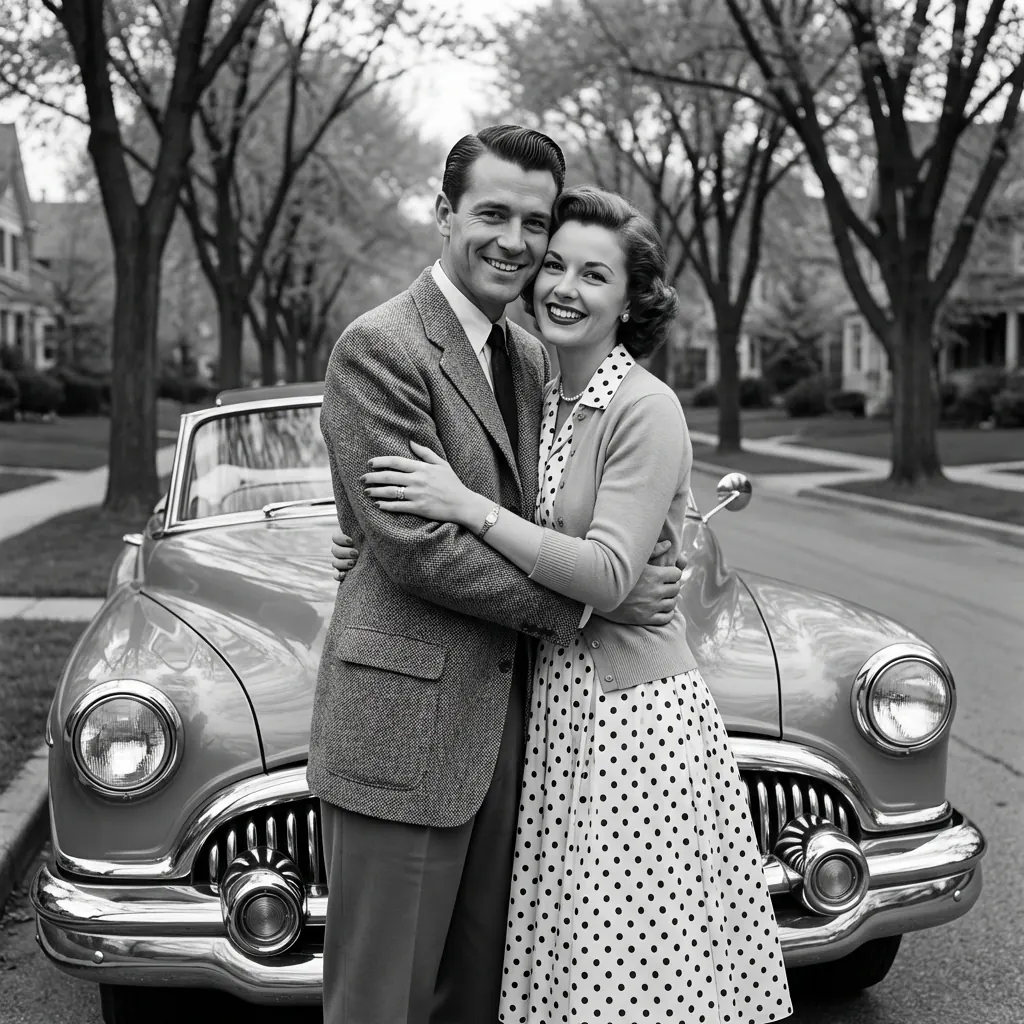
Depixelate Vintage Images
Old digital photos from early cameras often have low resolution that looks pixelated today. Our AI upscales and reconstructs details to bring vintage photos back to life with modern clarity.
- Upscale low-res vintage photos
- Recover lost details from old scans
Fix Pixelated Logos & Graphics
Low-resolution logos downloaded from the web often look blocky when enlarged. Our AI smooths edges, reconstructs clean lines, and improves overall clarity for professional use.
- Smooth blocky edges
- Improve clarity for printing

Everything You Need to Unpixelate Images
Depixelate image, upscale resolution, and enhance clarity in one simple workflow.
Upload a pixelated photo, choose your depixelation mode, and get a clearer image in seconds—no manual editing, no complicated tools.
AI Depixelation That Looks Natural
Our AI uses advanced deep learning to unpixelate images while keeping them realistic. Unlike basic interpolation, our AI intelligently reconstructs missing details for natural-looking results.
Upscale After Depixelation
Need a bigger image? After you unpixelate your image, increase resolution up to 4x. Perfect for printing depixelated photos or preparing images for professional use.
Unpixelate + Denoise in One Step
Clean up noisy or compressed images while depixelating. Especially helpful for old photos and social media images where you need to fix pixelation and reduce artifacts simultaneously.
Multiple Depixelation Modes
Choose the best way to unpixelate your image: standard mode for general pixelation, face mode for portraits, or denoise mode for noisy images. Each mode is optimized for different types of pixelated photos.
Secure Image Processing
When you unpixelate images with us, your photos are processed on secure servers and automatically deleted after 2 hours. We never share, sell, or use your photos for training.
Batch Depixelation
Create a free account and start depixelating photos immediately. When you have multiple images to unpixelate, use our batch processing feature to fix them all at once.
FAQ
Frequently Asked Questions About Depixelation
Unpixelate Image Restore Photos Easily Online
Unpixelate image effortlessly with AI tools. Learn how to restore pixelated photos online for free, improving photo resolution and clarity in minutes.
Read the Full ArticleReady to Unpixelate Your Photos?
Upload your pixelated images now and see the difference our AI can make. Transform blocky, unclear photos into sharp, clear images in seconds.